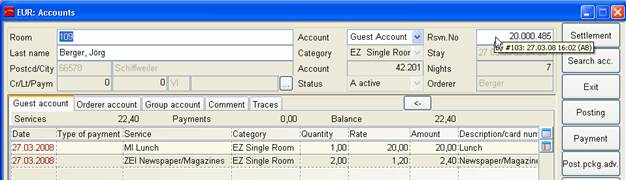
These tabs list all postings to the respective account. The upper pane of the dialog provides information as to the account holder. There is also a tooltip on the reservation number, which shows date and time of check-in as well as the initials of the user who conducted the check-in.
Figure 2: Account with tooltip on reservation number
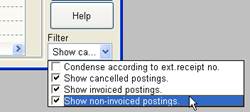
Use the filter settings to view specific postings.
The colours of the date fields have the following meaning:
•red:
this posting has not been invoiced yet
•green:
this posting has been invoiced already
•blue:
this posting is assigned to an invoice
•orange:
this posting appears on an invoice (e.g. cancellation 3)
On misc. and group accounts, you can post charges to particular source-account. The posting-dialog contains a combobox to select the respective source-account.
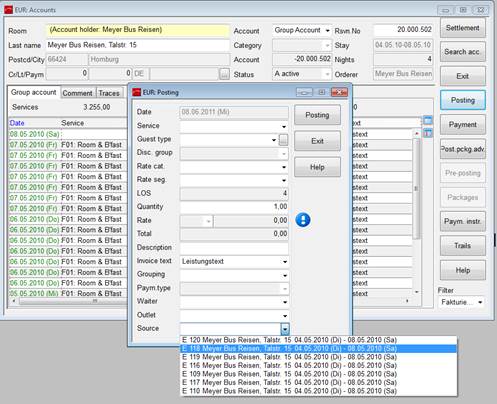
Figure 3: Posting on a source account