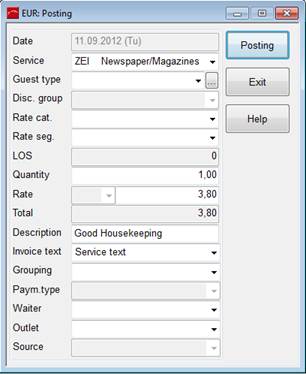
To post services via the cash register, press the button posting. SIHOT opens the posting-dialog where you enter the services rendered.
Figure 34: Posting services in the cash register
After posting the service(s), press the button settlement for SIHOT to open the invoice-dialog. Enter the payment and confirm with OK.
Invoices thus created in the cash register will be recorded in the invoice overview and outgoing invoice journal.
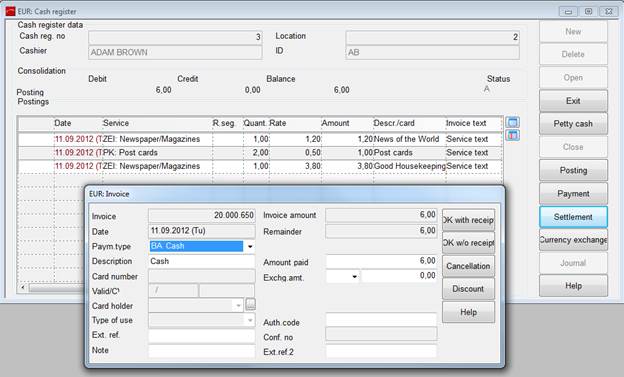
Figure 35: Settlement of postings in the cash register