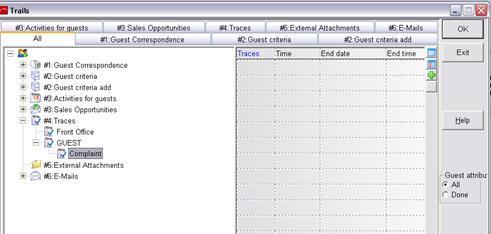
In the guest profile, press the button trails and open the branch Traces.
•Open the context menu on traces and select add entry. Create a new branch by entering a name, e.g. guest. Use this branch to handle comments and complaints.
•To differentiate traces relating directly to guests, add a further branch via context menu, e.g. complaint.
Figure 125: Configuration within trails
Open the dialog edit combobox via the administration-menu. Create a new entry.
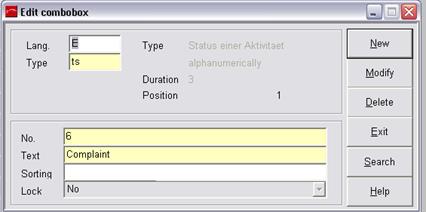
Figure 126: New entry "Complaint"
Create a new pattern for activities relating to complaints by pressing the button new.
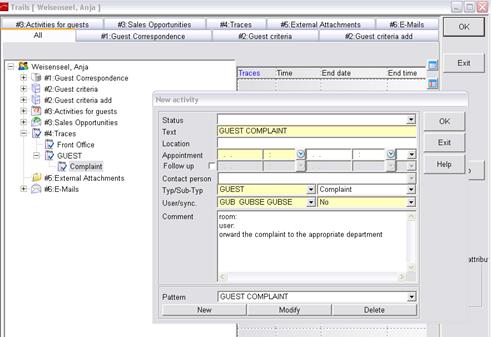
Figure 127: New Pattern