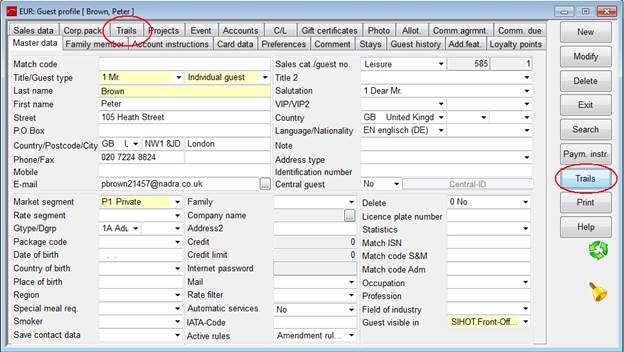
The trails can be called up in different menus and dialogs:
•Guest Profile
using the button trails and with the tab trails.
Figure 1: Trails in the guest profile
•CRM
via CRM menu in the toolbar, menu list Trails
•Reservation
call up the context menu trails or open the the tab trails.
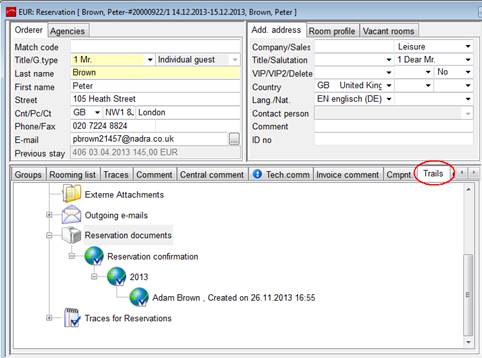
Figure 2: Trails in Reservation
•Event
Appointments are displayed directly in the events tree within the event reservation. Move the cursor to the respective line and the activity appears as a tool tip. In addition, open the tab Trails to see the full trails-structure.
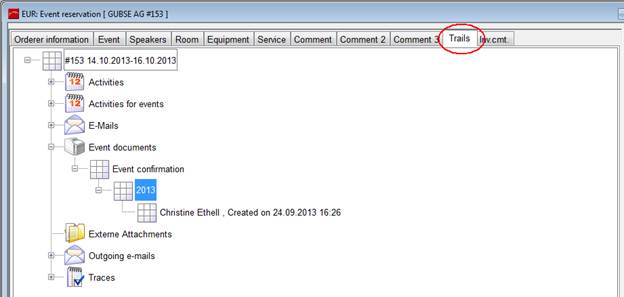
Figure 3: Trace in event reservation