 next
to the name field.
next
to the name field.You can start the search for a guest profile from within a number of layouts. To call up the search layout, use the following buttons:
•The button Guest search in the function pane.
•The
Search-button next
to the name field.
The Search-button appears when you’ve entered a minimum
number of letters in the name field (usually three letters).
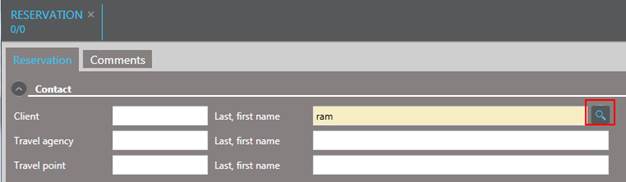
Figure 35: Search button to start the guest profile search in a reservation
TIP:
See GUI for more hints on searching for
guest names.
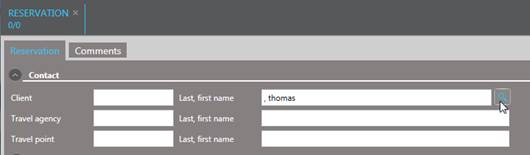
Figure 36: Searching for a first name
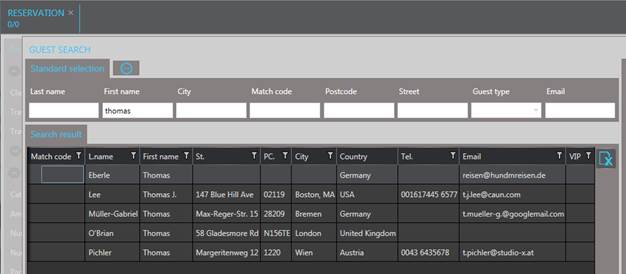
Figure 37: Search results
Additional search options such as a phonetic search or the search using only part of a word, are described in section GUI – Searches.