 .
.To change the cleaning status of a room, proceed as follows:
Ø Call up the room in the rooms-to-clean list.
Ø To report that the room is clean, tab
Room OK .
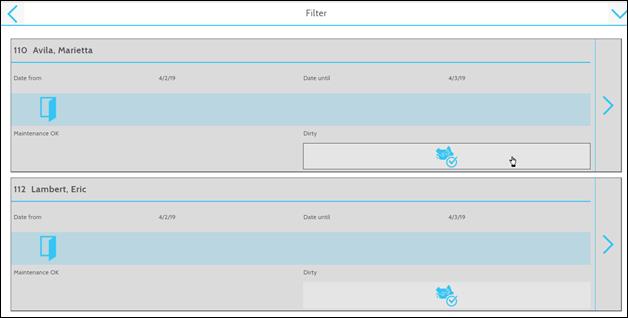
Figure 4: Changing the room status to "clean"
Ø To change the room to any other
housekeeping status, tap the arrow  .
.
SIHOT opens a dialog box with the room data.
Ø Select the applicable status.
Ø Tap OK  to save the status.
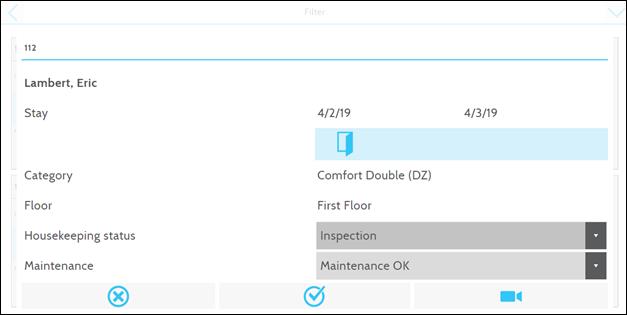
Figure 5: Changing the room status